
You copy a forex or gold signal, then notice the trade on your account isn’t the same as the provider’s: the entry price is a bit off, the SL/TP are placed at different levels, or the lot size looks wrong. This is one of the most common “is my copier broken?” problems—and in most cases it’s caused by normal broker and platform differences, not fraud or a bad signal.
This guide explains why a copied trade different from signal happens (price, SL/TP, lot size), and gives you a practical checklist to make your copied trades match the signal as closely as possible.
Key takeaways
- Price mismatches usually come from different quote feeds, spread at entry, and slippage—not the provider “changing the signal.”
- SL/TP mismatches often come from symbol differences (XAUUSD vs GOLD), digit/point conversions, minimum stop distance rules, or fill policies.
- Lot size mismatches are commonly caused by different contract sizes, account currency, leverage/margin limits, or minimum lot steps.
- Most issues are solved by aligning symbol mapping, contract size, max deviation/slippage, fill policy, and volume step in your copier.
- Always test changes on a demo first and verify the copier’s logs for rejected/modified orders.
What “different” usually means (and what to check first)
When traders say a copied trade is different from the signal, they typically mean one (or more) of these:
- Entry price differs by a few points/pips (or more).
- SL/TP levels differ (shifted, rounded, or not placed at all).
- Lot size differs (smaller/larger than expected, or rounded to a different step).
- Order type differs (provider used a limit order; you got a market order, or vice versa).
- Trade didn’t copy at all (rejected, “off quotes,” “invalid stops,” not enough margin).
Before you change anything, capture a clean comparison:
- Signal details: symbol, order type, entry, SL, TP(s), time the signal was sent.
- Your trade details: symbol, open price, SL/TP, lot size, open time, and any journal/copy logs.
- Broker info: account type (standard/ECN), platform (MT4/MT5), server time, and whether you trade with commission + raw spread.
That one screenshot set (signal + your trade + copier log) usually reveals the category of mismatch.
Why entry price differs: feed, spread, slippage, and execution
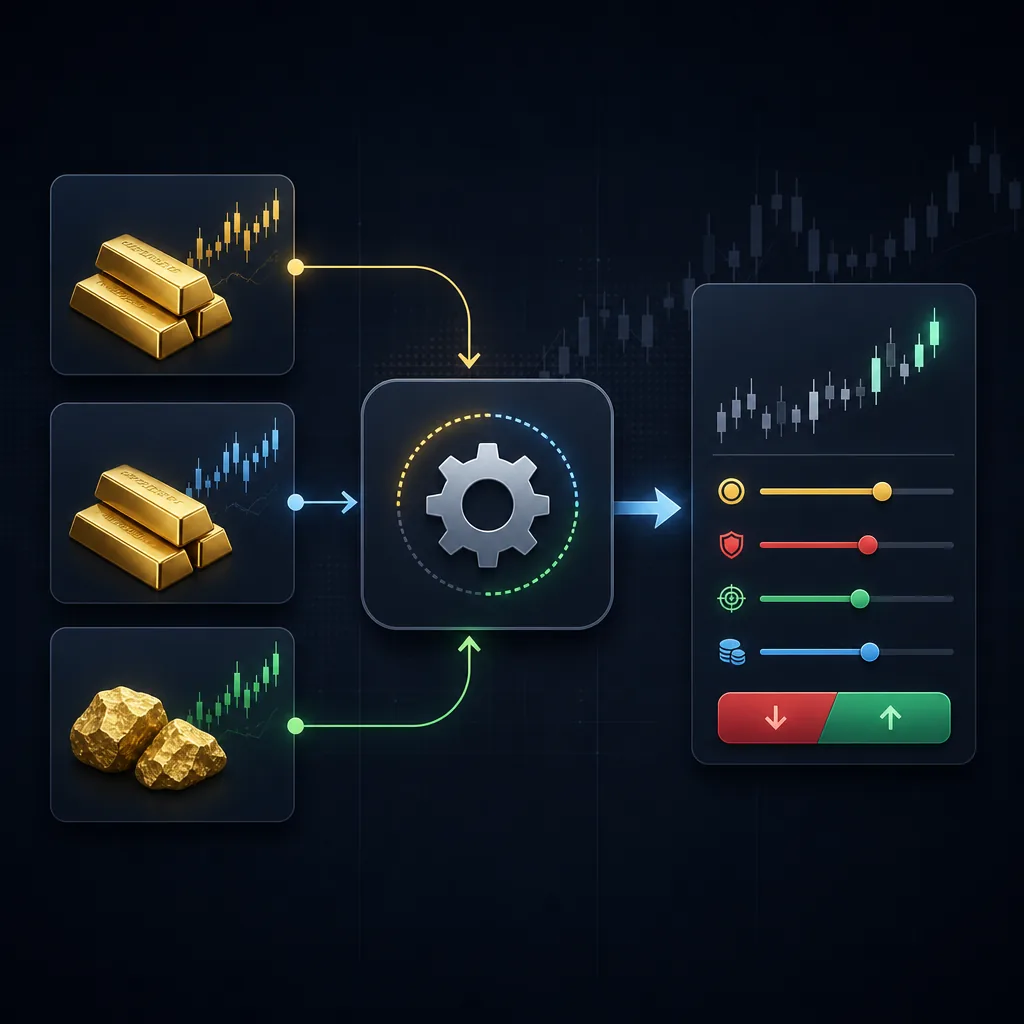
Entry price differences are the most common—and the most misunderstood. Even if you and the provider press “buy” at the same moment, you can still get different fills.
1) Different quote feeds (your broker ≠ provider’s broker)
Forex and XAUUSD are decentralized OTC markets. Brokers aggregate liquidity differently, add different markups, and can show slightly different bid/ask quotes at the same time.
Hypothetical example: the provider’s broker shows XAUUSD ask at 2,400.10 while your broker shows 2,400.25 at that moment. If the signal is a market buy, your fill will naturally be higher.
This is normal. What matters is whether the difference is within a reasonable range for that instrument and time of day.
2) Spread at entry (you buy the ask, sell the bid)
Many traders compare the provider’s “price” to the wrong side of the quote. Buys fill at the ask; sells fill at the bid. Spreads also widen during news, session opens, and low-liquidity minutes.
Hypothetical example: EURUSD mid-price is 1.10000 and the spread is 1.2 pips. A buy may fill near 1.10006 while the chart line you’re watching (often bid) looks lower.
If your copier triggers off the provider’s execution time, but your broker spread is wider at that instant, your entry will differ.
3) Slippage (fast markets, partial fills, and gaps)
Slippage is the difference between the requested price and the executed price. It happens more when:
- Price moves quickly (news, spikes, gold volatility).
- Your broker uses market execution with variable spreads.
- Your internet/VPS latency is higher than the provider’s.
Hypothetical example: a buy signal is sent when XAUUSD is around 2,400.00 with a 0.30 spread. In the next second, price jumps 1.50. Your market order might fill 1.50 higher than the provider’s if their order hit earlier.
Slippage isn’t always “bad”—you can also get positive slippage. But your copier settings often control how much slippage you’re willing to accept before the order is rejected or re-quoted.
4) Execution mode: market vs instant, and broker “re-quotes”
On MT4/MT5, brokers may use different execution models:
- Market execution: you get the best available price; slippage is possible; no re-quotes, but you can be rejected for other reasons.
- Instant execution: you request a price; broker can re-quote if price changes.
If the provider is on market execution and you’re on instant execution (or vice versa), you can see different behavior: the provider gets filled, while your copier gets re-quotes and fills later at a worse (or better) price.
5) Order type mismatch: limit/stop vs market
Some copiers can’t replicate the provider’s pending order logic exactly, especially if there’s symbol mapping or minimum distance rules involved. A pending order can be converted into a market order, or placed at the nearest allowed price.
If your trade is being opened immediately when the provider placed a limit order, that’s a copier configuration issue, not “market randomness.” Check your trade copier settings for “copy pending orders” vs “market execution only.”
Why SL/TP differs: digits, minimum stop distance, and symbol rules
Stop loss and take profit mismatches are usually caused by platform constraints. Your broker may simply refuse the exact levels and force the copier to adjust (or fail).
1) Symbol differences and suffixes (XAUUSD vs XAUUSDm vs GOLD)
Many brokers use suffixes/prefixes:
- XAUUSD, XAUUSDm, XAUUSD., XAUUSD#
- GOLD, GOLDm
- EURUSD vs EURUSDpro
If your copier maps the symbol incorrectly, it may apply the SL/TP distance to the wrong instrument or fail to place stops properly.
Fix: In your copier, set explicit symbol mapping (provider symbol → your broker symbol). Don’t rely on auto-detect if your broker uses unusual names.
If you’re newer to gold symbols and how brokers quote them, see what is xauusd.
2) Digits/points conversion errors (especially on gold)
Different instruments have different “digits” and point sizes. Some copiers store stops in points, others in price, others in pips. If the copier assumes the wrong digits, your SL/TP can be wildly off.
Hypothetical example: a copier interprets a 150-point stop as 150 “dollars” on XAUUSD instead of 15.0 (or vice versa). Result: SL placed far away, or rejected.
What to do: Confirm your copier uses price levels (exact SL/TP price) rather than “points away,” if your signal provides exact levels. If it uses points, confirm the digits setting for each symbol.
3) Minimum stop distance (StopLevel / freeze level)
Brokers often enforce a minimum distance between current price and SL/TP (and sometimes a “freeze level” near price where modifications are blocked). If the provider’s SL is valid on their broker but too close on yours, your platform may:
- Reject the order (“Invalid stops”).
- Open the trade but fail to set SL/TP.
- Auto-adjust SL/TP to the nearest allowed distance (copier-dependent).
Hypothetical example: the signal wants a 10-pip stop on GBPJPY, but your broker requires at least 15 pips during that liquidity window. The copier may push the SL further away or skip it.
Important: If your trade opens without a stop loss because of this, you must decide whether to close manually or place a compliant SL immediately. Don’t leave it “because the signal had one.”
4) Fill policy and partial fills can break bracket orders
On MT5, the fill policy matters:
- FOK (Fill or Kill): must fill fully or not at all.
- IOC (Immediate or Cancel): partial fill allowed; remainder canceled.
- Return: can leave remainder as pending (broker-dependent).
If your broker partially fills, the copier may attach SL/TP to the filled portion only, or delay setting SL/TP until the final volume is known. This can create the appearance of “different SL/TP,” especially if you check immediately after entry.
5) Rounding to tick size
Some symbols only allow price increments of a certain tick size. If the provider’s SL/TP is at a level your broker can’t represent exactly, your platform rounds it.
Hypothetical example: a TP is sent at 2,401.13 but your broker only accepts 0.10 increments on that symbol at that time, so it rounds to 2,401.10 or 2,401.20.
Why lot size differs: contract size, account currency, and volume steps
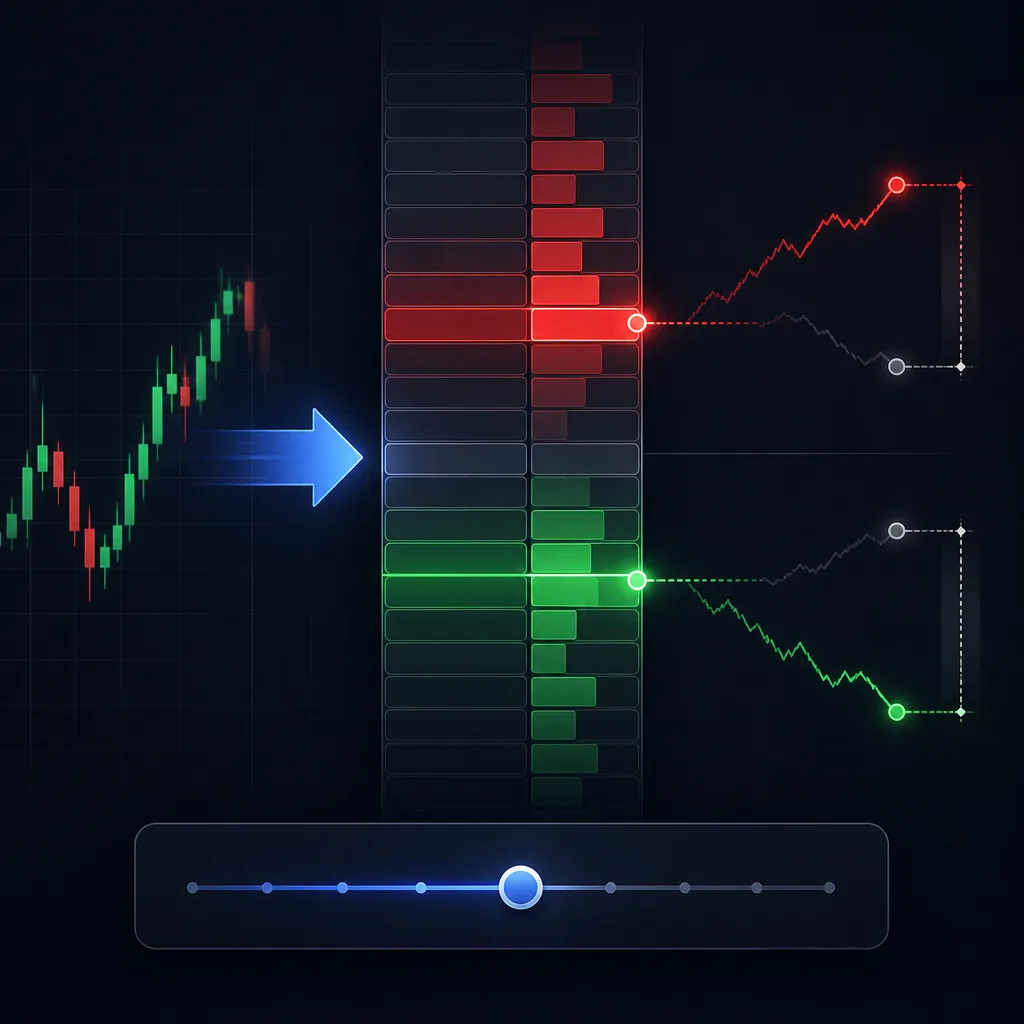
Lot size mismatches cause the most frustration because they change your risk. The good news: most causes are mechanical and fixable.
1) Different contract size (especially for XAUUSD)
Not every broker defines 1.00 lot the same way on metals. On one broker, 1 lot of XAUUSD might represent 100 oz; on another it might be 10 oz (or another contract specification). If the provider’s lot is copied “as is,” you can end up with a different real exposure.
Fix: In your copier, look for settings like:
- “Use fixed lots” vs “multiplier” vs “risk-based sizing.”
- “Use symbol contract size from receiver” (recommended) vs “from sender.”
If you want to size trades properly regardless of broker, use a calculator-based approach and verify pip/point value on your account. You can use the lot size calculator and the pip calculator to sanity-check risk on each symbol.
2) Minimum lot, maximum lot, and lot step constraints
Every broker sets volume rules:
- Minimum lot (e.g., 0.01)
- Lot step (e.g., 0.01 or 0.10)
- Maximum lot (varies)
If the provider’s trade is 0.03 lots but your broker only allows 0.01 steps, that’s fine. But if your broker uses 0.10 steps on a symbol, 0.03 may be rounded to 0.10 (or rejected), depending on the copier.
Hypothetical example: your copier calculates 0.07 lots based on risk, but your symbol only allows 0.10 steps. The copier rounds up to 0.10, increasing risk beyond what you intended.
Fix: Set your copier to round down (floor) rather than round to nearest, if that option exists, so risk doesn’t accidentally increase.
3) Account currency and conversion (USD vs EUR accounts, etc.)
If the provider sizes trades by risk percentage and you copy with “risk-based sizing,” your account currency matters. A $10,000 USD account and a €10,000 EUR account are not the same risk in USD terms, and conversion rates fluctuate.
Even with the same equity number, the copier may compute a slightly different lot size due to currency conversion and symbol tick value differences.
4) Margin/leverage differences force smaller positions
If your leverage is lower than the provider’s (or your free margin is lower due to other open trades), your broker may reject the requested lot size for “not enough money.” Some copiers then automatically reduce volume to the maximum allowable size; others fail the copy.
This is why two traders copying the same signal can end up with different lot sizes even if their copier settings match.
If you need a framework for controlling risk regardless of copier behavior, review forex risk management.
Quick comparison table: symptom → most likely cause → fix
| What you see | Most likely reason | What to do |
|---|---|---|
| Entry price off by a small amount | Different feed + spread at that moment | Compare bid/ask, check spread, avoid copying during thin liquidity |
| Entry price off by a large amount | Slippage, latency, market spike, re-quotes | Set max deviation, use VPS, avoid copying at news spikes |
| SL/TP not placed | Invalid stops (min distance), freeze level, copier can’t attach | Check broker StopLevel, allow wider SL/TP or place manually immediately |
| SL/TP shifted/rounded | Tick size rounding or digits/points conversion | Use exact price levels, verify digits, confirm symbol tick size |
| Lot size smaller than provider | Min/max lot rules, not enough margin, leverage difference | Check free margin, reduce risk %, confirm lot constraints |
| Lot size larger than expected | Rounding up to lot step, contract size mismatch | Set rounding to floor, verify XAUUSD contract size and tick value |
| Wrong symbol traded | Symbol mapping failed (suffix/prefix) | Manually map symbols (e.g., XAUUSD → XAUUSDm or GOLD) |
Step-by-step: checklist to make copied trades match the signal
Use this process in order. Don’t change five settings at once—make one change, test on demo, then move on.
Step 1: Confirm you’re copying the exact same instrument
- Check the provider’s symbol name exactly (e.g., XAUUSD).
- Check your broker’s symbol list for suffixes/prefixes (e.g., XAUUSDm, GOLD).
- In the copier, set symbol mapping explicitly: provider symbol → your broker symbol.
Tip: If your broker offers multiple gold symbols (e.g., GOLD and XAUUSDm), make sure you map to the one you actually trade (spread and contract size can differ).
Step 2: Match order types (pending vs market) and timing rules
- Enable copying of pending orders if the provider uses limits/stops.
- Check whether your copier has a rule like “if pending is too close, open market instead.” Disable it unless you intentionally want that behavior.
- Set a sensible “max signal age” or “max delay” rule so you don’t enter very late.
Hypothetical example: if a limit buy is placed and price already moved 25 pips away, copying it late can change the entire trade idea. A max-age rule prevents that.
Step 3: Set slippage / max deviation intentionally
Most copiers let you define an acceptable deviation (in points/pips) for market entries. Too tight and you’ll miss trades; too wide and you’ll get poor fills.
- Start conservative on demo, then adjust.
- Use different settings for XAUUSD vs major FX pairs if your copier supports per-symbol rules.
- During high-impact news, expect slippage—consider pausing copying if that fits your plan.
If you trade gold actively, it also helps to understand when spreads and volatility are typically higher; see best time to trade xauusd.
Step 4: Choose the correct fill policy (MT5) and execution options
On MT5, check if your copier lets you set fill policy per symbol:
- If your broker rejects FOK frequently, try IOC (if allowed).
- If you see partial fills, verify how the copier attaches SL/TP after fills.
This is a common hidden reason trades “copy” but SL/TP appear late or slightly different.
Step 5: Verify minimum stop distance and “invalid stops” behavior
- Check broker rules for minimum SL/TP distance (StopLevel) and freeze level.
- In your copier, decide what happens if stops are invalid: reject trade, open without SL/TP, or auto-adjust.
Safer default: Many traders prefer “reject if no SL” rather than opening unprotected positions. It reduces the risk of an unplanned drawdown when you’re away from the screen.
Step 6: Align contract size and lot sizing method
Pick one lot sizing approach and make sure it matches your intent:
- Fixed lot: simplest; ignores account size differences.
- Multiplier: copies provider lot × your multiplier; can break if contract sizes differ.
- Risk-based: best for consistent risk, but requires correct tick value/contract size and can round due to lot steps.
Hypothetical example (risk-based): You have a $5,000 account and risk 1% ($50). A signal’s SL is 25 pips away on EURUSD. Your copier calculates lot size so that 25 pips ≈ $50 risk. If your broker’s tick value differs slightly (or your account is in EUR), your computed lot can differ from the provider’s even if you both risk 1%.
Use a calculator to verify the copier’s output before going live. The lot size calculator helps you confirm whether the lot size makes sense for your stop distance.
Step 7: Set rounding rules for minimum lot step (don’t accidentally round up)
- Find the setting for volume rounding: floor (round down), nearest, or ceil (round up).
- Prefer round down if your goal is to avoid risking more than planned.
Hypothetical example: Your risk model outputs 0.19 lots, but your broker’s step is 0.10. Rounding to nearest gives 0.20; flooring gives 0.10. The difference is not small in risk terms.
Step 8: Test with a controlled demo experiment
Do one clean test on demo before you trust the setup:
- Copy one symbol only (e.g., EURUSD or XAUUSD) to reduce variables.
- Copy at a liquid time (avoid major news).
- Compare: symbol, entry, SL/TP, lot size, and copier logs.
If the demo test matches closely, then go live with small risk. If it doesn’t, the copier logs will usually show whether the issue is “invalid stops,” “symbol not found,” “off quotes,” or “not enough margin.”
Common mistakes that create mismatches (even with a good copier)
Mixing manual edits with copier control
If you manually move SL/TP or partially close trades while the copier is set to “synchronize,” it may re-apply the provider’s levels or open/close unexpected volumes to match. Decide upfront:
- Either let the copier manage the trade fully,
- or disable synchronization and manage manually after entry.
Copying signals across MT4 ↔ MT5 without checking feature gaps
MT4 and MT5 handle some order types and fills differently. If the provider is on MT5 and you’re on MT4 (or vice versa), your copier may approximate behavior. That’s where you’ll see “same idea, slightly different mechanics.”
Ignoring commissions when comparing results
Two traders can have the same entry and exit but different net P/L due to commission and spread model. That’s not a copier error, but it affects your perception of “my trade is different.”
Not accounting for server time and candle close differences
If the provider references “enter at candle close” or time-based rules, your broker server time can be different. A copier that triggers at a time boundary may enter a minute earlier/later than expected.
When a mismatch is acceptable (and when it’s a red flag)
Usually acceptable
- Small entry differences caused by spread and normal slippage.
- Minor SL/TP rounding to tick size.
- Slight lot size differences due to currency conversion or lot step rounding down.
Potential red flags (investigate immediately)
- Wrong symbol traded (e.g., copying XAUUSD but getting XAUEUR or a different gold symbol).
- Trades opening without SL repeatedly (copier/broker constraint mismatch).
- Lot sizes rounding up and increasing risk beyond your rules.
- Pending orders being converted to market orders without you realizing.
If you see these, pause copying and fix settings on demo first.
FAQ
Why is my entry price different even though I copied instantly?
Because your broker’s quote feed and spread can differ from the provider’s, and you may experience slippage depending on volatility, execution mode, and latency. Even “instant” copying is not the same as sharing the same broker and liquidity pool.
My trade copied but SL/TP didn’t—what should I do?
First, protect the position: either place a compliant SL manually or close the trade if it no longer fits your plan. Then check your broker’s minimum stop distance (StopLevel/freeze level) and your copier’s behavior when stops are invalid (reject vs open unprotected vs auto-adjust).
Why is my lot size smaller than the provider’s?
Common reasons include different leverage/free margin, different contract size (especially on XAUUSD), broker min/max lot rules, and your copier rounding down to the nearest lot step. Check copier logs for “not enough margin” and verify contract specs for the symbol.
Can I make copied trades match the signal perfectly?
You can get very close, but “perfectly identical” is not always possible unless you use the same broker (or an identical feed), similar account conditions, and similar execution settings. Your goal should be controlled, repeatable execution and risk—not identical screenshots.
Should I copy signals during major news?
Spreads and slippage often increase around high-impact events, which can create larger mismatches. If you do copy during those periods, use conservative risk and test your slippage/max deviation settings on demo first.
Risk warning: Trading forex and gold (XAUUSD) involves a significant risk of loss and is not suitable for every investor. Copied trades can execute at different prices than expected due to spread, slippage, and broker constraints. Past performance does not guarantee future results. This article is for education only and is not personal financial advice. Consider practising on a demo account before trading live.
If you want signals that are easy to execute, United Kings sends forex and gold (XAUUSD) trade alerts on Telegram with an entry, stop loss, and take-profit levels. You can view a selection in the free public telegram channel, and review how results are tracked on the results page and explained on the methodology page. If you’re comparing options, see our guides on best forex signals and best gold signals, or check pricing for plan details.


